Loading Screen
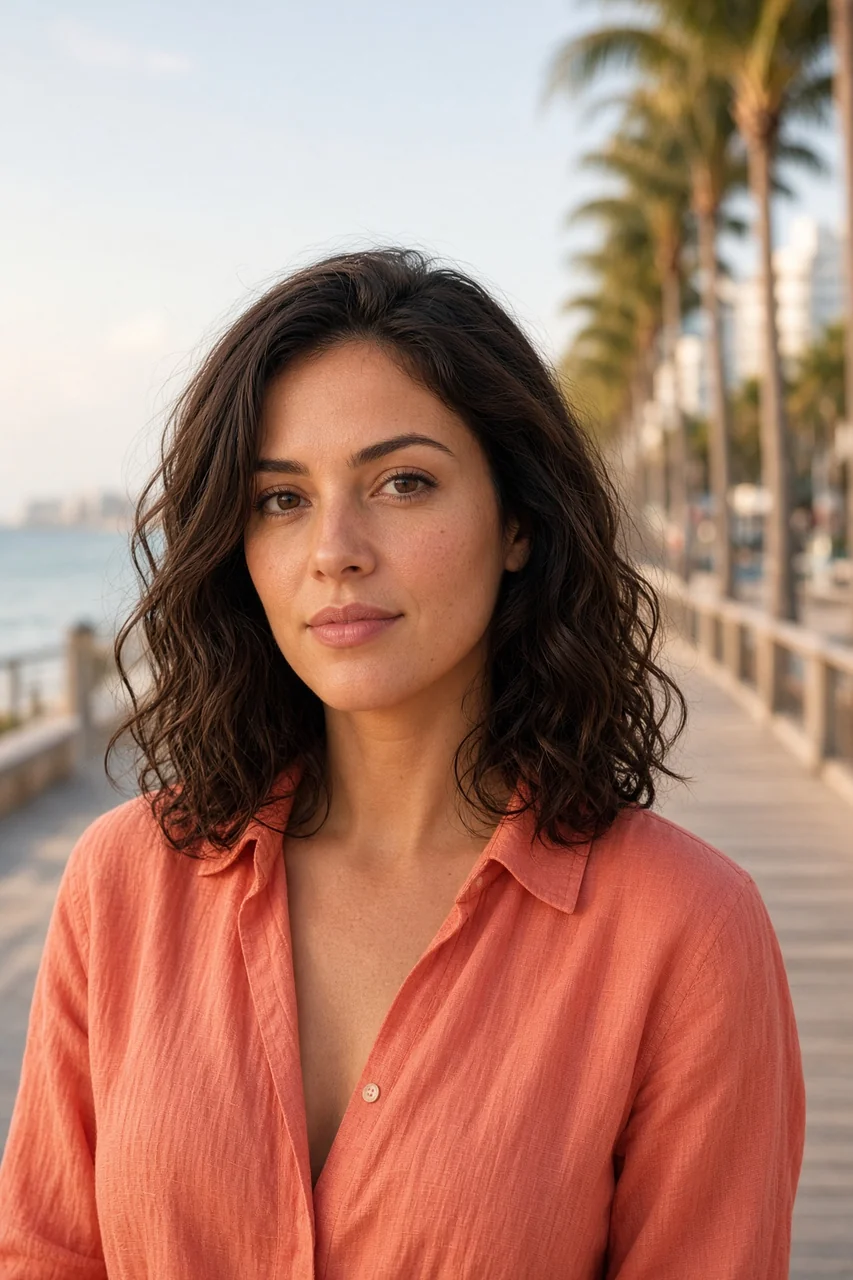
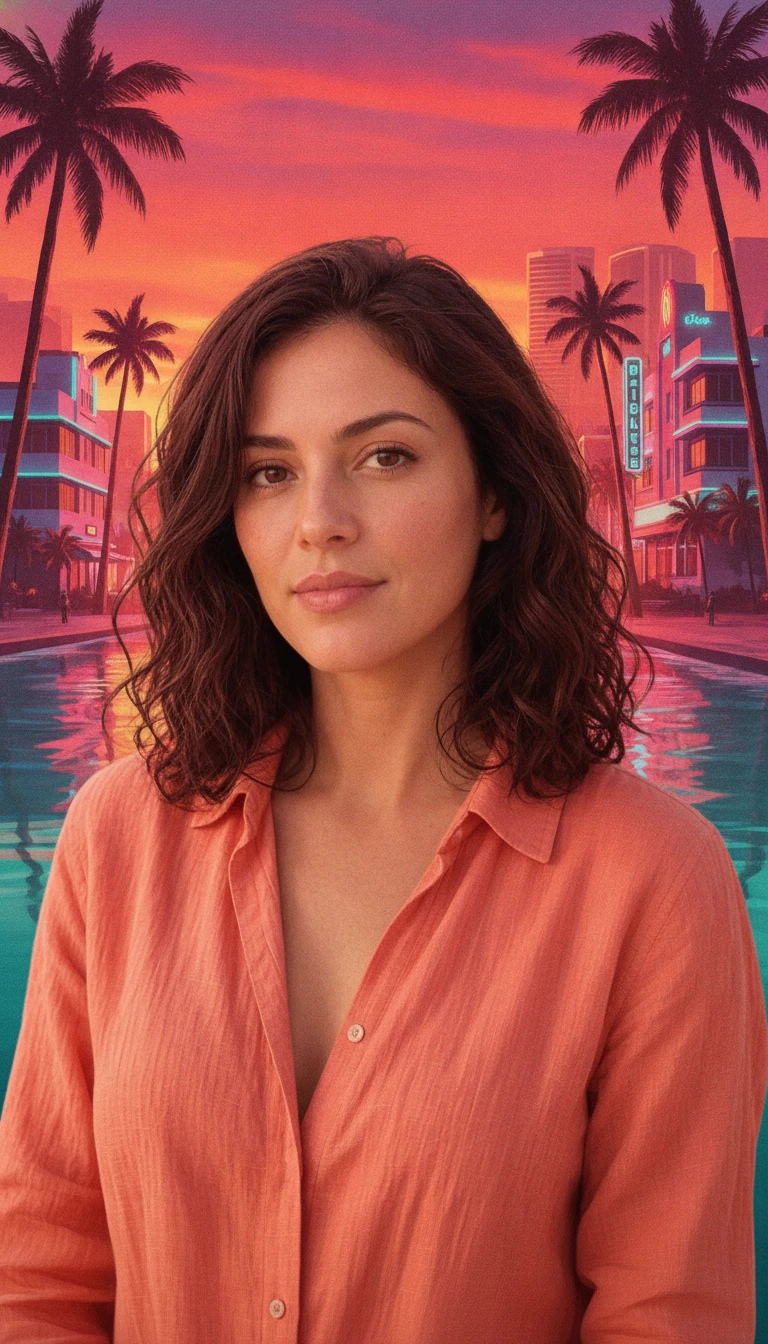
Grok Imagine Image 2.0 → Nano Banana Edit
AI PHOTO EFFECT · ORIGINAL FAN ART
Turn one photo into a GTA 6-style loading screen or cover poster with EveVid. Choose from five game-inspired photo effects, customize the prompt and generate an original still image using credits.
Make your GTA-style artNo separate checkout · Uses your EveVid credits
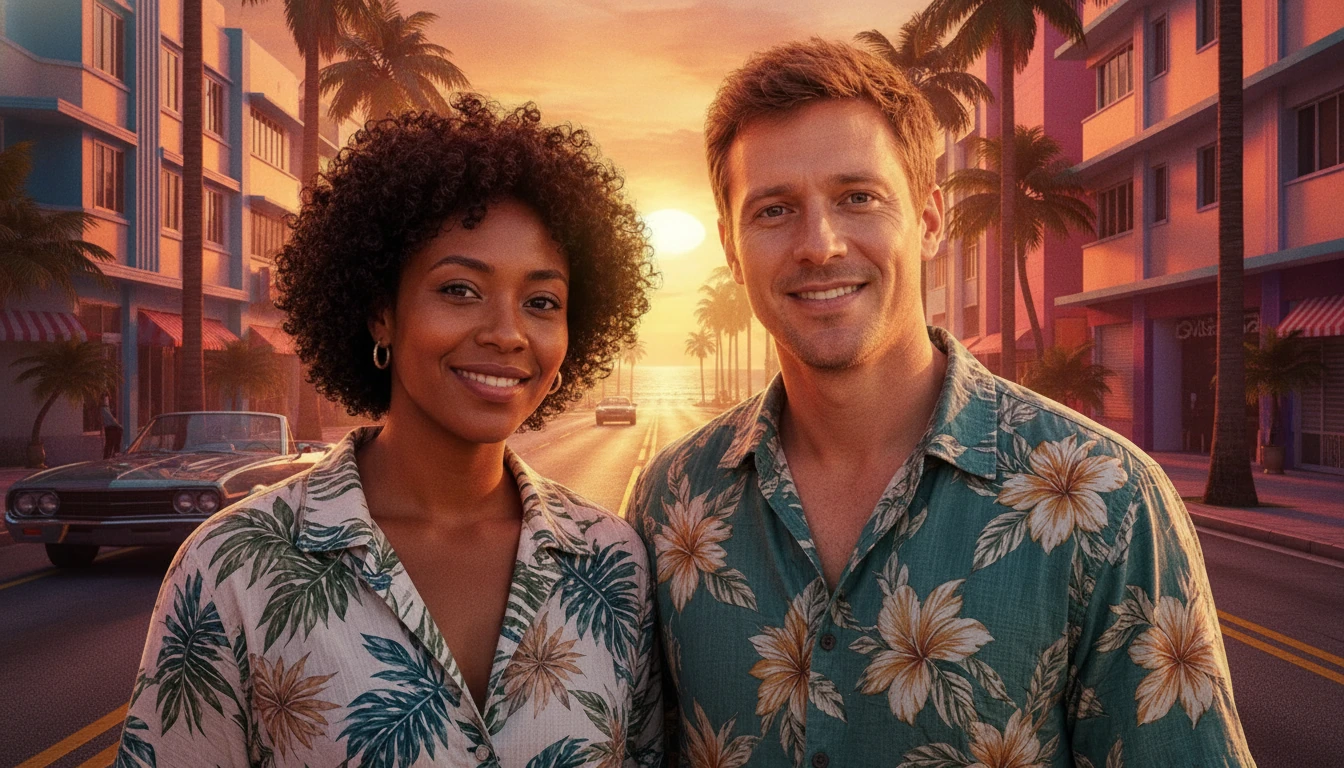
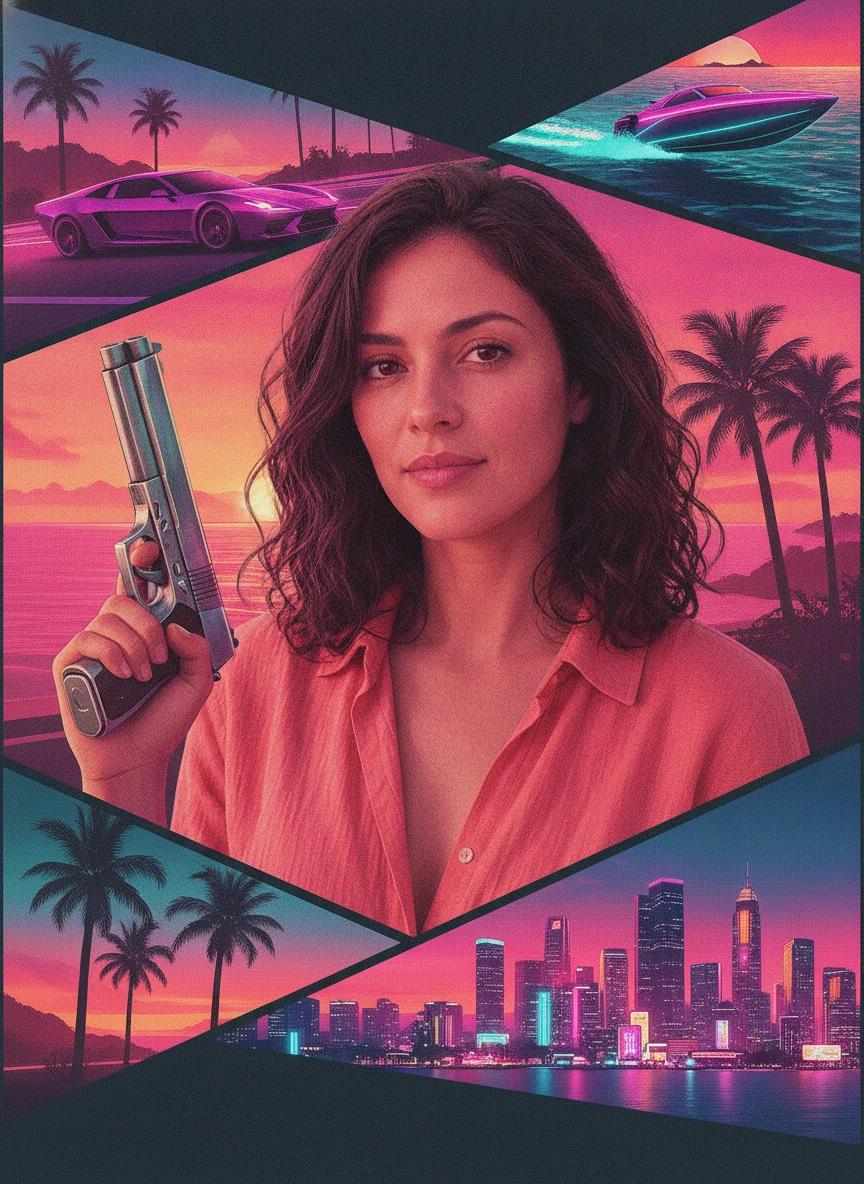
No separate checkout · Uses your EveVid credits
Only use your own photos, consenting adults, or your pets.
Five authentic model edits are shown. Loading Screen and Cover Poster use the same source portrait, with separately generated results.
Your result
Your generated artwork appears here once the task finishes.
No separate checkout · Uses your EveVid credits
Open full image studioREAL EVEVID MODEL OUTPUTS
These are genuine EveVid AI edits, not stock illustrations or SVG mockups. Each example starts with an original fictional AI-created photo and is edited using Nano Banana Edit.
Grok Imagine Image 2.0 → Nano Banana Edit
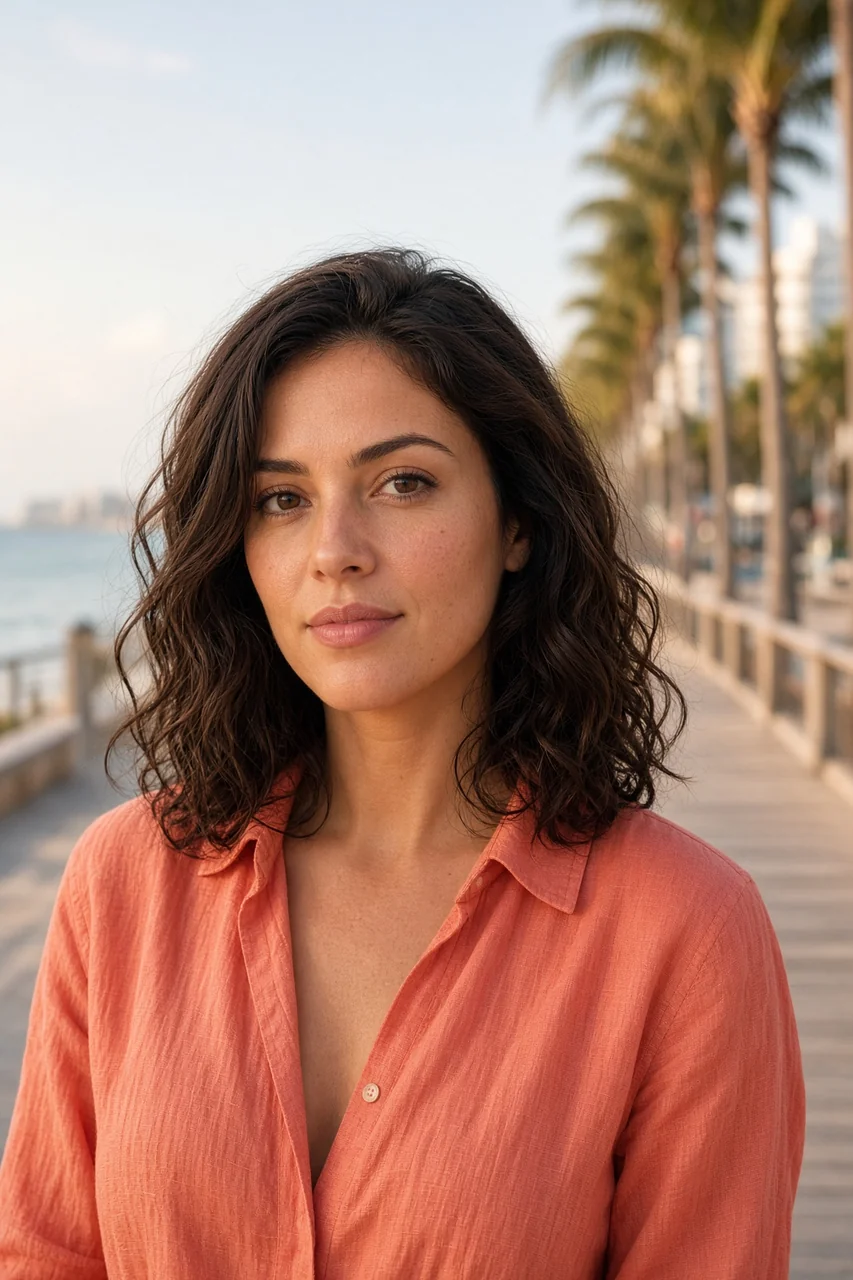
Grok Imagine Image 2.0 → Nano Banana Edit
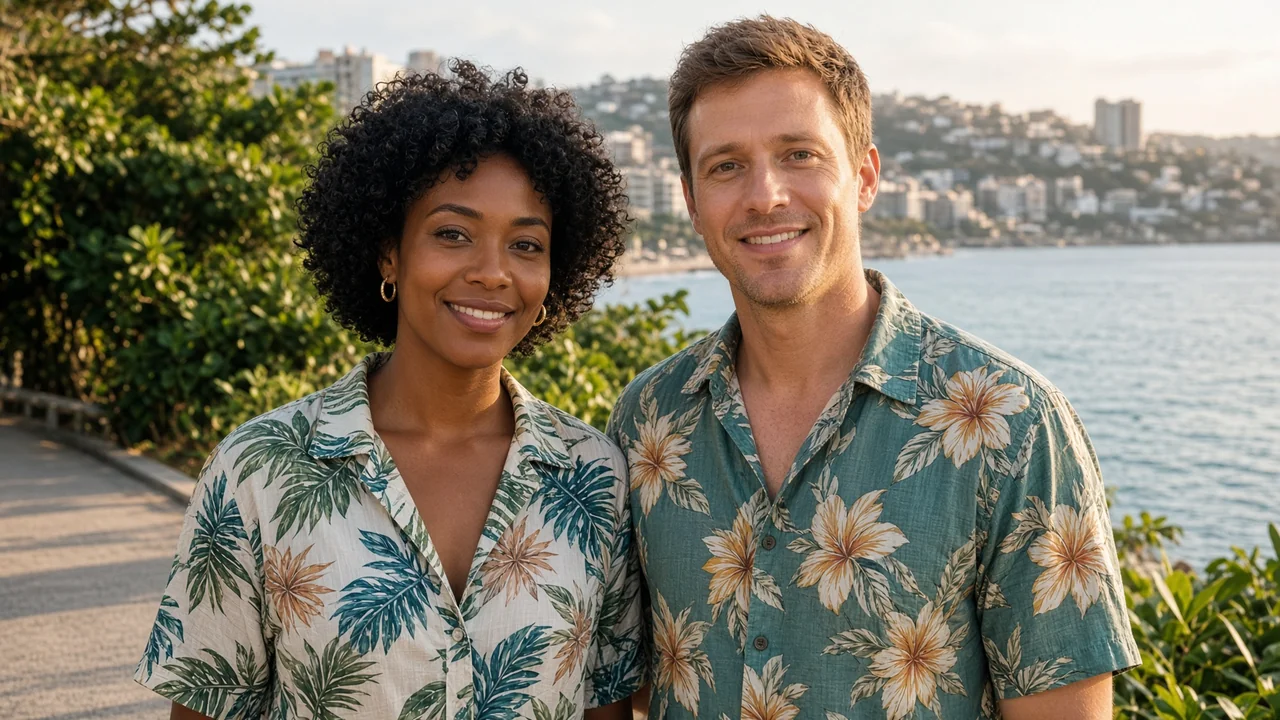
Grok Imagine Image 2.0 → Nano Banana Edit
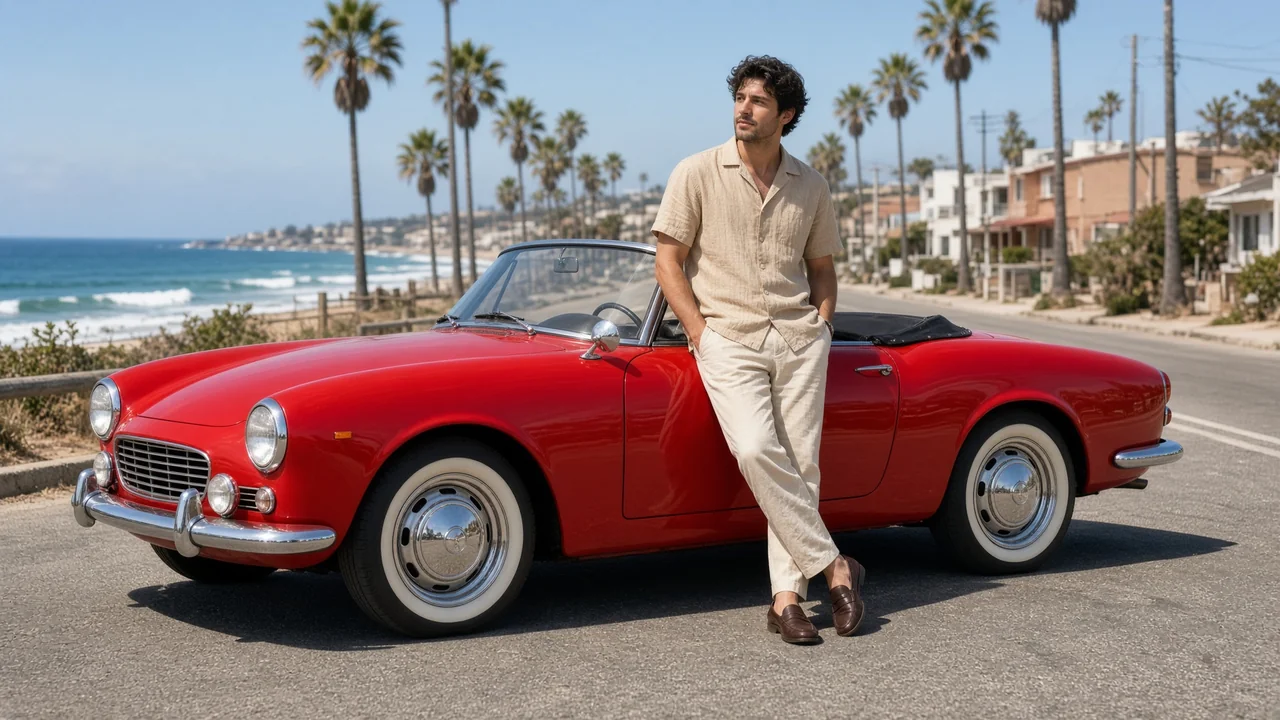
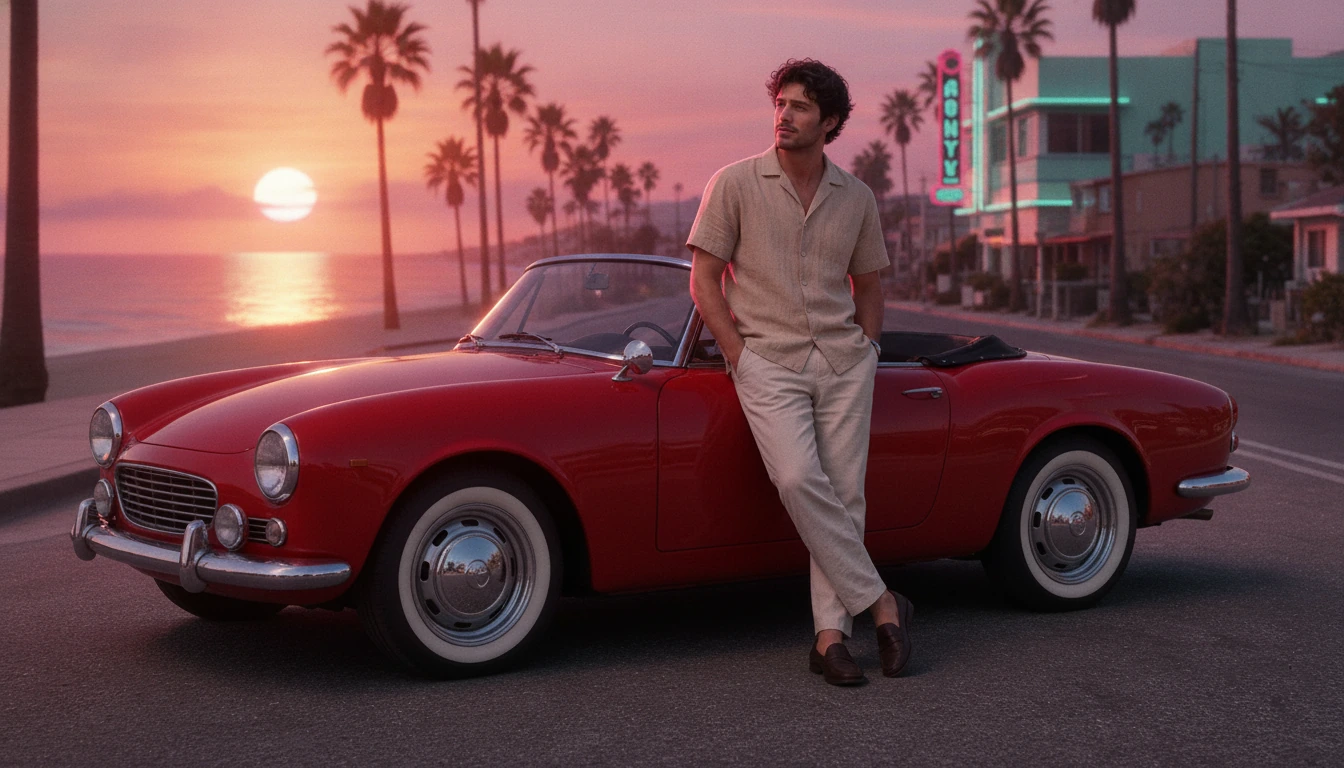
Grok Imagine Image 2.0 → Nano Banana Edit
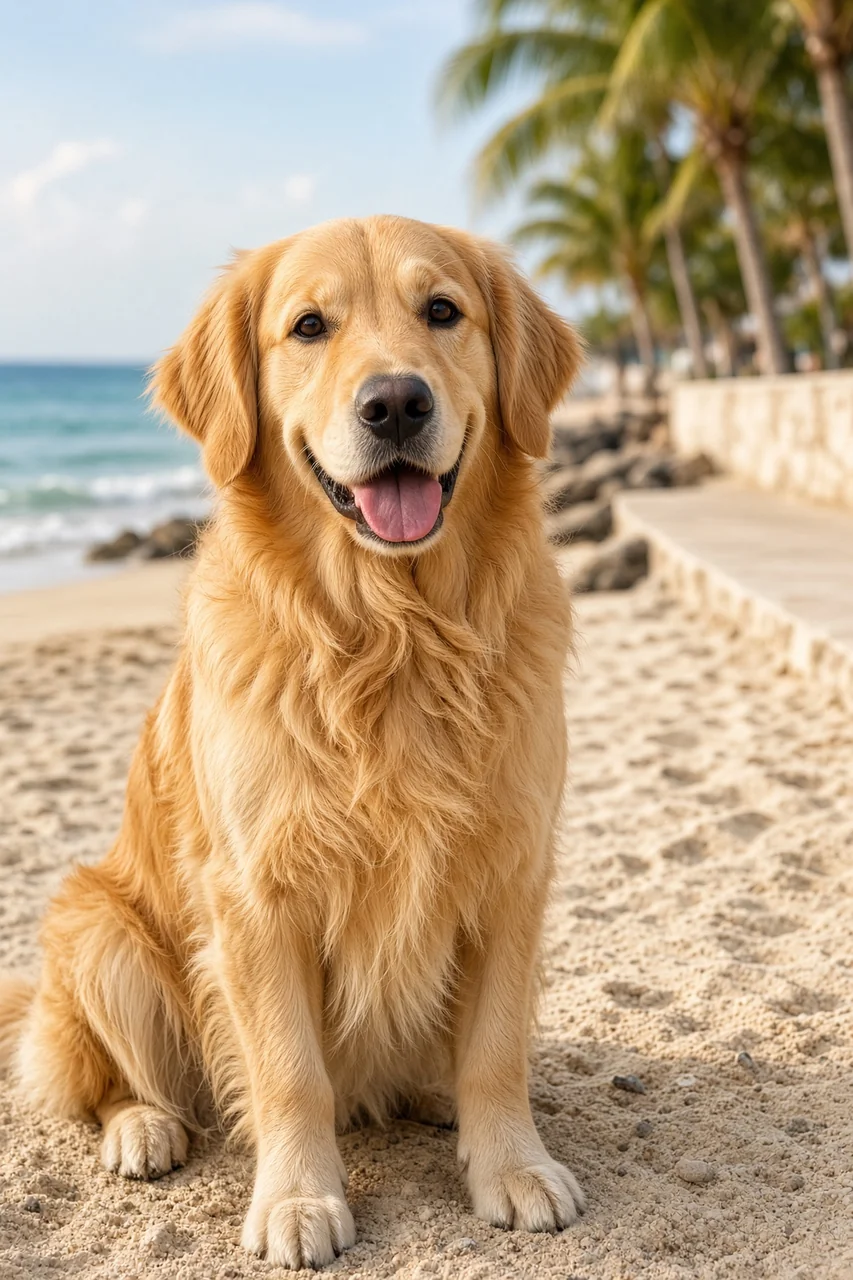
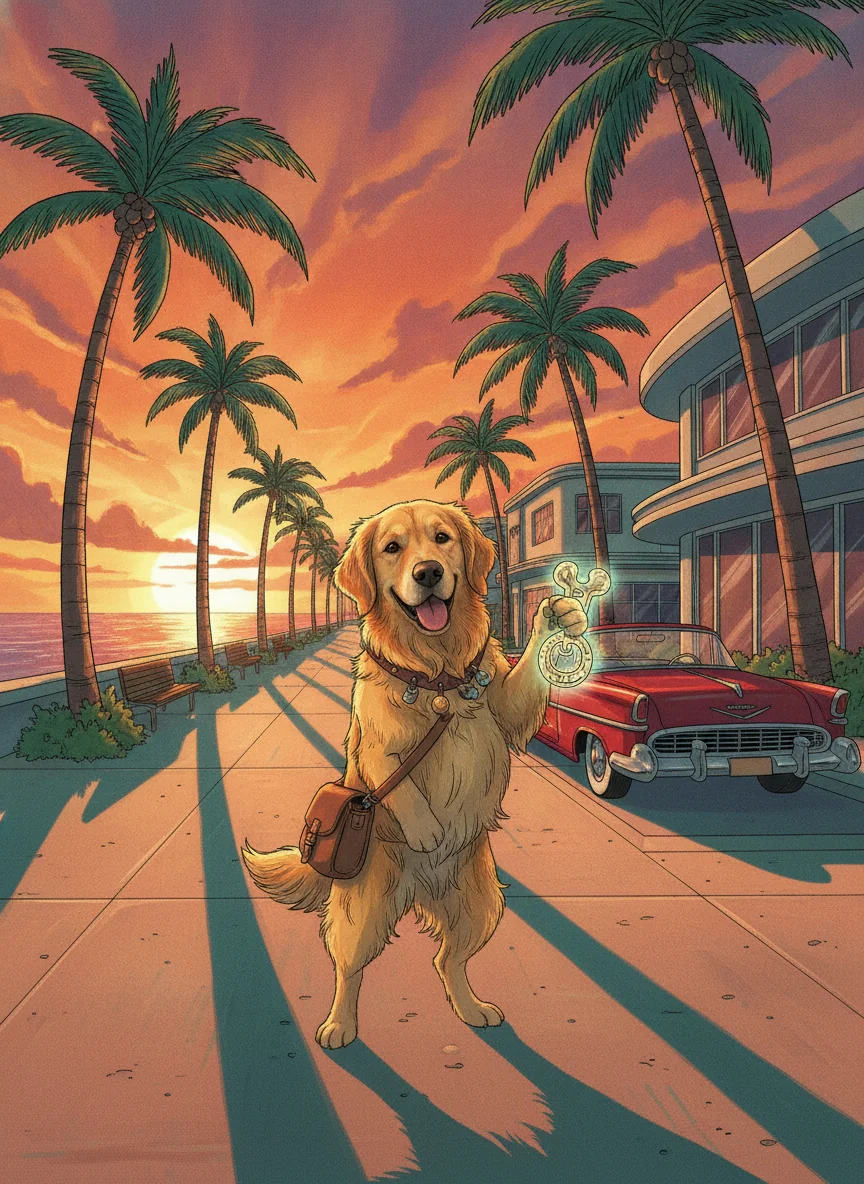
Grok Imagine Image 2.0 → Nano Banana Edit
All five style examples use their own real model edits. Loading Screen and Cover Poster demonstrate different edits of the same fictional portrait. Results vary by uploaded photo. No official GTA artwork or logos.
Choose one clear selfie, group portrait or pet photo.
Choose a game-art look and adjust the editable prompt.
Sign in, see the credit cost, generate and save your picture.
No. This independent, fan-inspired image filter is not affiliated with or endorsed by Rockstar Games or Take-Two Interactive. It does not use official game artwork or logos.
You can browse the examples and edit the prompt without paying. Generation requires an EveVid account and sufficient credits; the exact credit cost is shown before you generate. If needed, visit Pricing for current plans.
The current image-editing model accepts one source photo. For a two-person poster, upload a single picture that includes both people.
Yes. Completed images can be downloaded here and remain available through your EveVid account according to the site retention policy.
It redraws your uploaded photo as an original game-inspired illustration, using features such as bold outlines, cel shading and tropical sunset colors. Loading Screen creates a portrait-style illustration; Cover Poster uses a cinematic collage composition. Neither uses official game assets.
Use a clear, well-lit photo with the face or pet in focus. Upload one JPG, PNG or WEBP file up to 20 MB. For Duo, choose a single photo containing both people. Adjust the editable prompt if you want a different setting or color palette.
No. This page generates a downloadable still image, not a loading-screen animation, playable game, game mod or in-game filter.
No. This independent, fan-inspired image filter is not affiliated with or endorsed by Rockstar Games or Take-Two Interactive. It does not use official game artwork or logos.